© 2026 Susan Herman. All work on this site is protected by copyright. All rights reserved.
Plant For Pollinators and We All Flourish
Introduction
Pollinators are essential to our food system, yet most people lack localized, practical guidance to support them
Good intentions stall without clear direction
The Pollinator Project translates complex environmental knowledge into simple, actionable tools
Helps users confidently create pollinator-friendly gardens and contribute to habitat restoration in their own communities
The Pollinator Project translates complex environmental knowledge into simple, actionable tools
Project Details: How the Work Came Together
Project
0-to-1 end-to-end app design
Role
Sole designer
Length
3 months
Year
2025
Project timeline
Research
3 weeks
Testing and Iterations
3 weeks
Prioritization
2 weeks
Wireframes
4 weeks
September
December
Research: Understanding the Gardeners’ Dilemma
Competitor Analysis

Wild Bee Gardens
Strength- Focus on native bees
Weakness-Not for casual gardeners

Bee Smart Pollinator
Strength- Robust plant filters
Weakness-Static tool, no engagement

Seed to Spoon
Strength- Area plant suggestions
Weakness-Not pollinator specific

Insight Citizen App
Strength-encourages citizen science
Weakness-Lacks local content
Other nature-focused apps such as PlantSnap and Audubon provided inspiration for visual style and educational tone, even though their missions differ from The Pollinator Project’s goal of making pollinator gardening approachable for everyone.
User Interviews
I conducted all of the interviews via Google Meet or in-person, and I asked participants questions centered on their habits, challenges, and motivations.
Each question was designed to uncover a mix of emotional, behavioral, and practical insights:
What challenges do you face when trying to choose or maintain pollinator plants?
Can you share a time when your efforts to help pollinators were successful or especially rewarding?
Have you ever tried to help pollinators, but felt it didn’t work?
Are there plants or practices you have avoided because of maintenance, cost, or uncertainty?
What kinds of tools or resources would be most helpful in a pollinator gardening app?
Participants shared that finding reliable, region-specific guidance for growing native pollinator plants is a challenge. Much of the information online is generalized, leaving them uncertain about how to create thriving, pollinator-friendly gardens.
Personas:
“Pollinator turnout doesn’t always match the effort put in.”
-Erika, the Intentional Attractor
Profile
43 years old, married, 2 children
Actively chooses native plants and sustainable practices
Goals & Motivations
Create a pollinator-friendly habitat to support the local ecosystem
Inspire community to learn about pollinators
Challenges & Pain Points
Plants die unexpectedly or struggle in shaded/light-restricted spaces
Trial and error around plant placement and pests gets expensive
Behaviors
Buys from local nurseries or seed exchanges
Builds bee hotels, bird baths, butterfly houses
Opportunities for App
Journaling or photo-based progress tracker with seasonal reminders

-Kat, the Casual Gardener
“It is maddening when plants die, even when following instructions.”
Profile
56 years old, single, empty nester
Has space in community garden
Goals & Motivations
Wants to keep gardening fun and stress free
Share garden progress with neighbors and friends
Challenges & Pain Points
Pests can thwart efforts quickly
Cost and space constraints
Behaviors
Buys from nurseries, co-ops or big box stores
Uses Google Lens, YouTube or Facebook gardening groups for tips
Opportunities for App
Encouragement without pressure, showing how even small efforts help

The challenge
From my research, especially the interviews, three themes emerged, and the challenge became clear:
Most people want to help pollinators, but without clear, localized guidance, good intentions stall.
Awareness:
POV: Many people are unaware about the vital role that pollinators have on the food chain and that by planting the right plants, they can take simple steps that create meaningful change.
HMW: How might we raise awareness about the vital role pollinators play in our food systems and ecosystems?
Action:
POV: A gardener who wants to attract pollinators needs clear, region-specific guidance on which plants will be most useful because information overwhelm leaves them uncertain about what will truly help.
HMW: How might we make it easy for people to choose the right plants and practices for their space and region?
Impact:
POV: People who care about the environment need to see how planting a pollinator garden can strengthen local ecosystems because small, individual efforts can add up to meaningful collective impact.
HMW: How might we show users the tangible results of their efforts, so they feel encouraged to continue supporting pollinators?
Prioritization: Setting Up a Clear Path
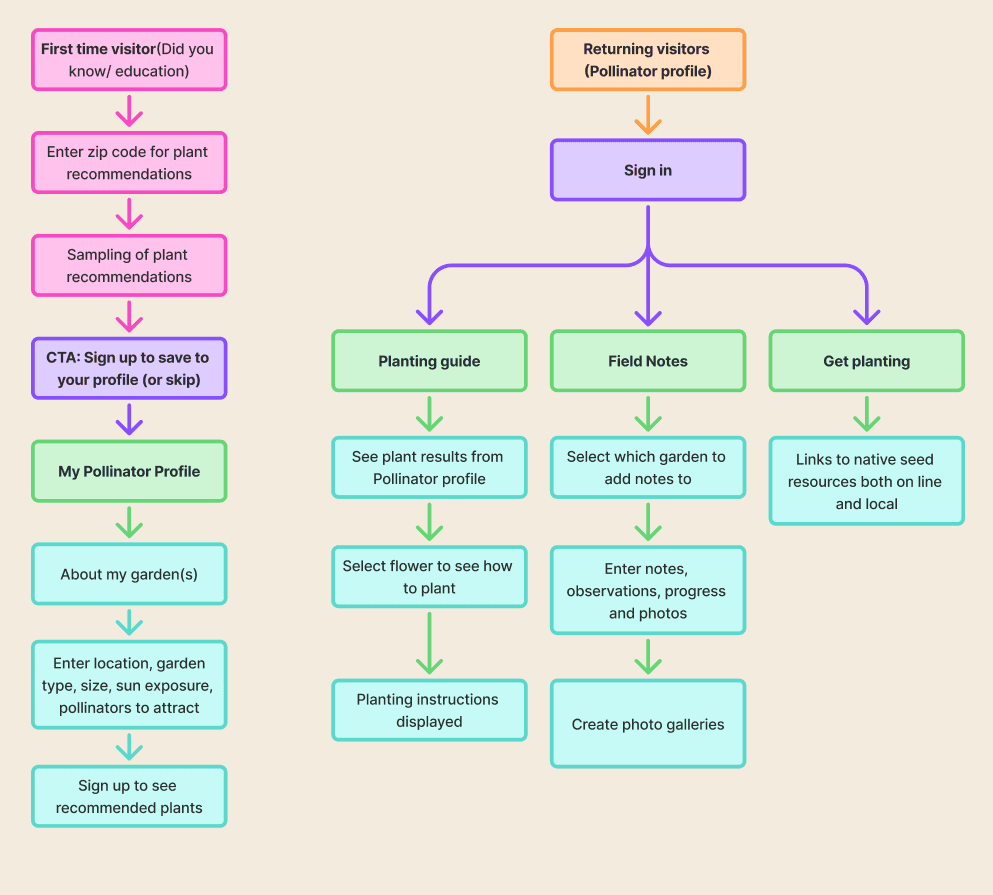
The sitemap helped me understand how users would move through the app. It clarified which features needed to come first and how to keep the experience easy to follow.
Visual Branding: A Modern Field Guide
The Pollinator Project’s UI kit blends natural tones, approachable typography, and clean components to create a consistent, field-guide aesthetic that feels educational yet inviting.
Color palette
Neutrals
403E3E
5E5E5E
F3EBDD
FAF6F0
EDE3D6
Secondary
Primary
E8BC60
806D79
BEC072
9193BB
606D22
Components
Field notes
9:30
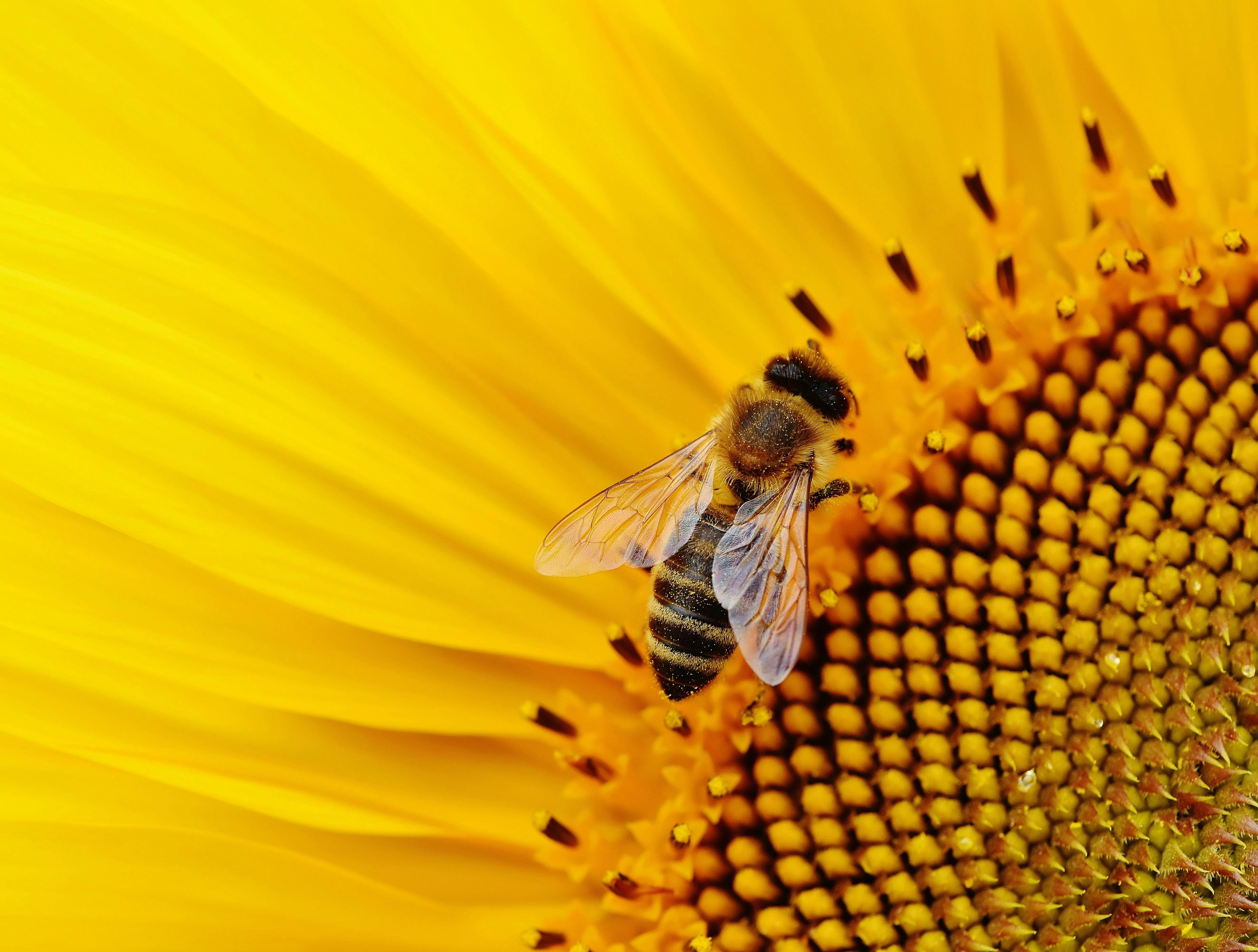
What is a pollinator?
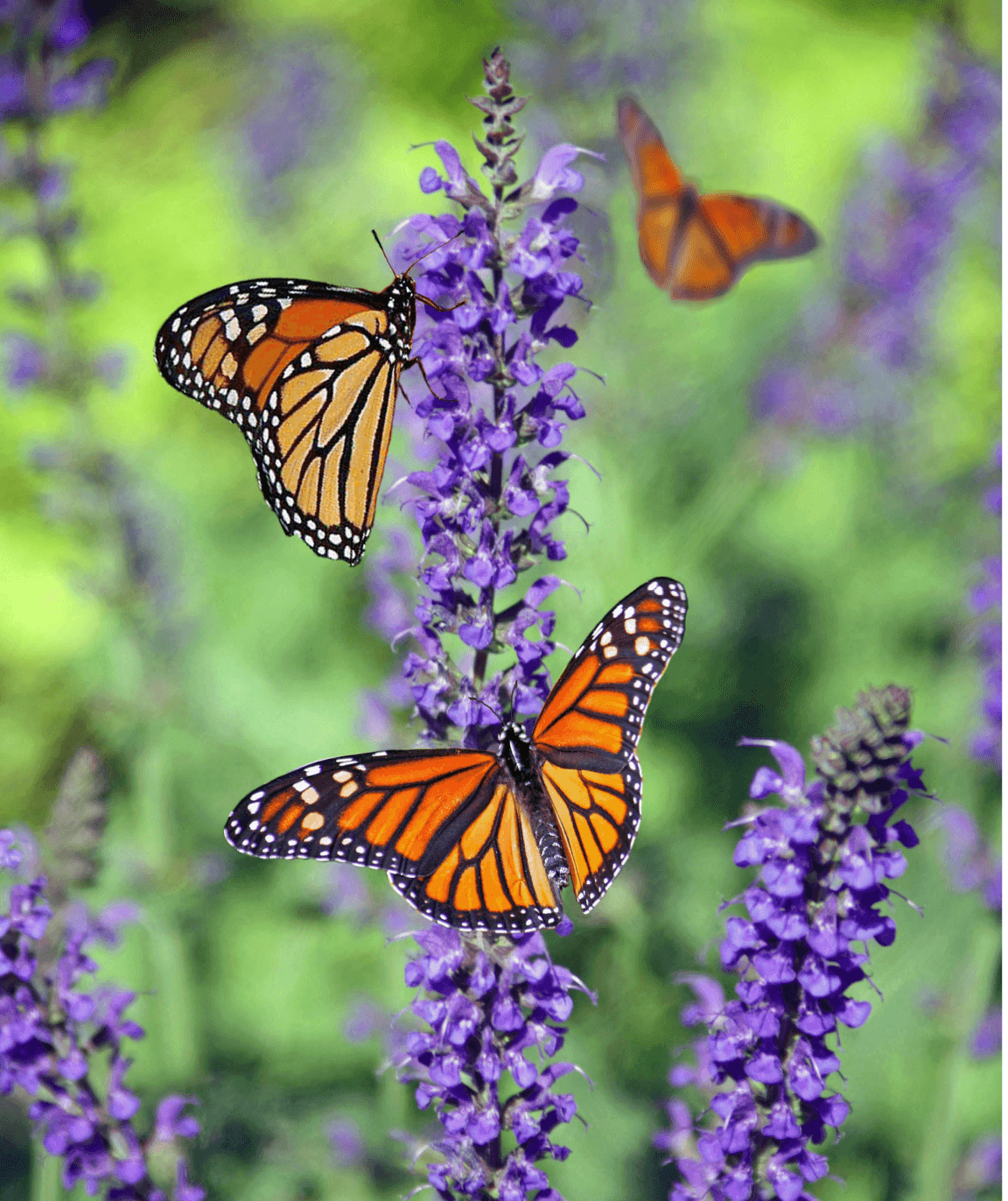
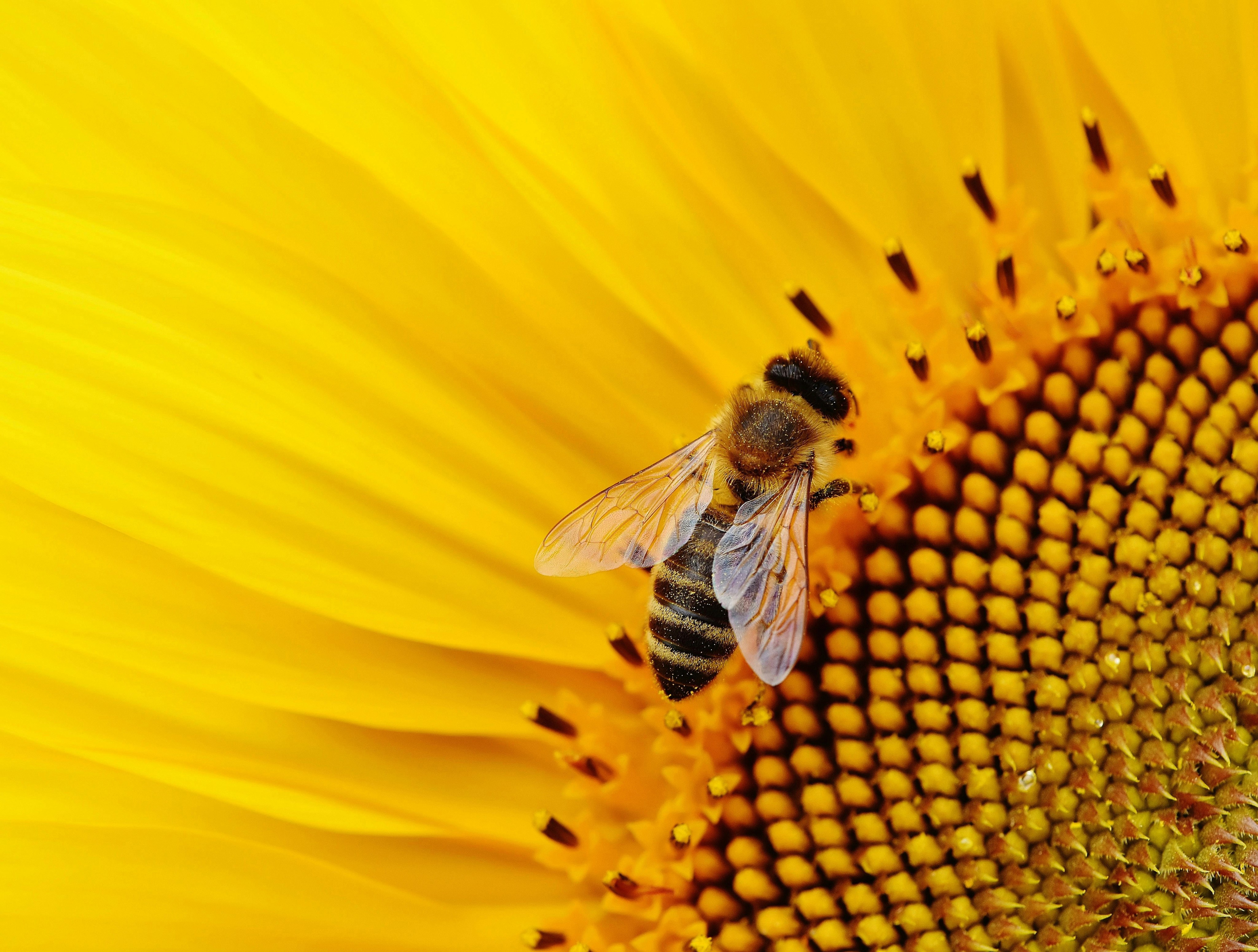
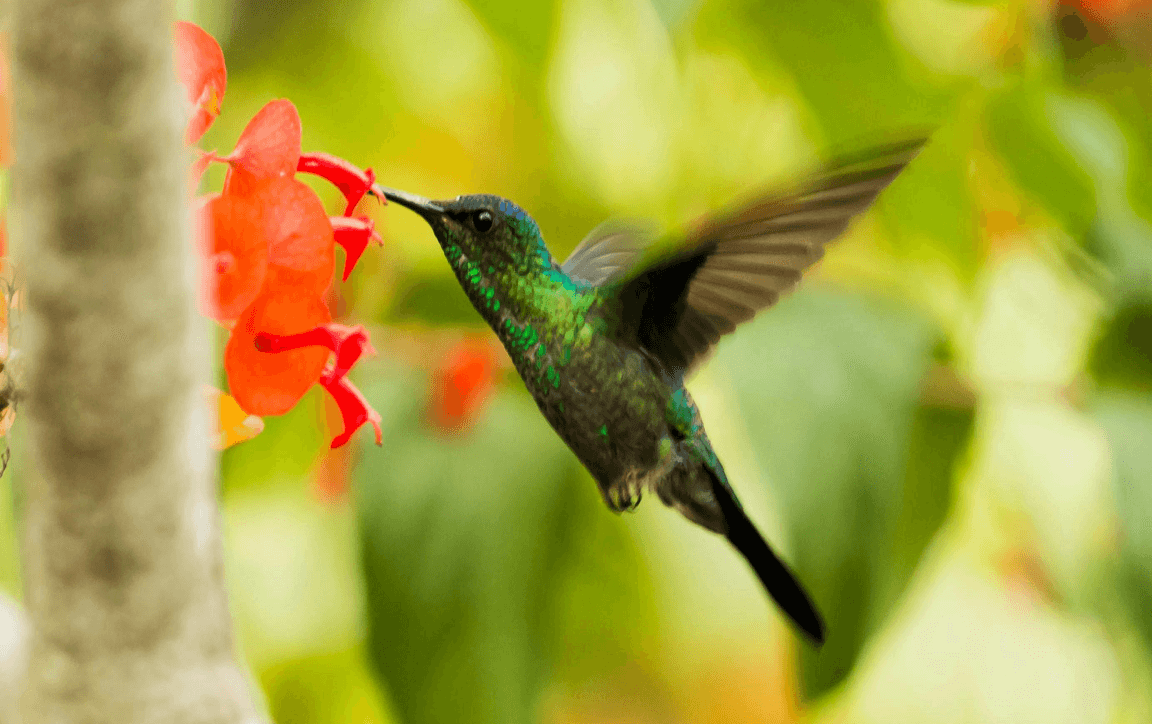
Pollinators like bees, butterflies, hummingbirds, and moths carry pollen from flower to flower, helping plants grow. Without them, most of the foods we love wouldn’t exist.
First time visitor
Dropdown forms
Screens
Info card
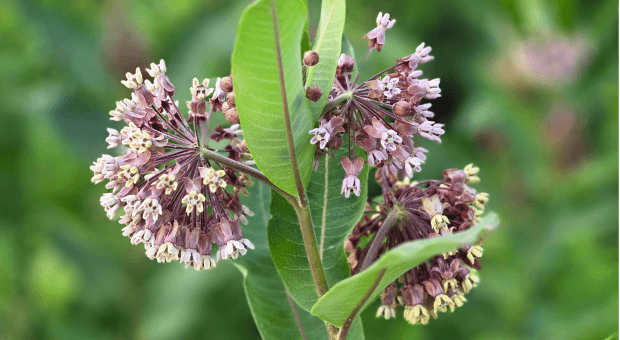
Common Milkweed
Monarchs lay eggs on this fragrant plant. Their caterpillars feed on its leaves, which are toxic to other creatures.
Front garden

Gallery photos


Gallery chips

All

Gardens

Plants

Visitors
Month

Typography
Cormorant Garamond
Headlines/ Section Titles 32 bold
Cormorant Garamond
Category Titles 24 semi-bold
Cormorant Garamond
Sub category 22 semi-bold
Source Sans Pro
Body 18 semi-bold
Icons
Button states
Navigation
POLLINATOR
PROFILE
PLANTING
GUIDE
FIELD
NOTES
GET
PLANTING


Logos
Wireframes: Bringing the Vision to Life
Lo Fidelity Wireframes
First-time visitors are introduced to pollinators, the plants that support them, and their vital role in our food system.
The user can then enter their zip code to see the best plants for their area and have the option to create an account.

The Pollinator Profile section lets users enter information about their garden space(s) to receive pollinator plant suggestions tailored to their area, along with tips to help their gardens succeed. In order to see the results, the user has to sign up.

The Field Notes section gives users a place to record their gardening journey from notes and observations to photos with captions and tags. Each entry is automatically organized into the right garden gallery for easy reference.

Hi Fidelity Wireframes
First Time Visitor Flow

Pollinator Profile and Planting Guide

Field Notes

Testing and Iterations: Growing Through Feedback
Usability Test Results
Number of participants: 5
Method of testing: In-person and via Google Meet
Flows tested: First Time Visitor, Pollinator Profile, and Field Notes
User insights: Participants found the overall flow intuitive, though the Pollinator Profile caused friction once questions were completed. All users wanted to tap the “What should I plant?” button instead of “Sign up to see your results.” They mentioned that the sign-up option felt hidden between the button and the navigation.
Users agreed that the app would be especially helpful for people interested in starting a pollinator garden. The First-Time Visitor flow was praised for providing clear educational content and allowing users to see recommended plants for their area without signing up.
Several participants mentioned that they liked the payoff screen at the end of the Pollinator Profile flow, noting that the encouraging message would motivate them to return.
Testers also saw value in the Field Notes feature, appreciating the ability to keep photos and observations organized in one place rather than having to search through their phone galleries.
Revisions
To reduce confusion after completing the Pollinator Profile, I simplified the sign-up process. Originally, users needed to sign up to view their results. The sign-up prompt sat between the “See Results” button and the bottom navigation, which caused it to be overlooked. I removed the separate sign-up text and relied on a single button. If users were not yet signed up, a sign-up prompt appeared after tapping the button, making the flow clearer and more intuitive.
I also reordered the navigation icons to match the logical flow of the app: Pollinator Profile, Planting Guide, Field Notes, and Get Planting.
The “Skip” link originally drew too much attention, leading some users to delay signing up. I reduced its font size and changed the weight to regular to minimize distraction while keeping the option visible.
Finally, I added a thank-you message at the end of the Planting Guide flow to recognize users for helping pollinators by planting pollinator-friendly gardens. This message was originally on its own screen but was moved to the bottom of the guide to ensure users would see it before exiting the flow.
Final Results
I was inspired to create this project because it stemmed from something that really matters to me. Talking with others who shared an interest in supporting pollinators was motivating, and I learned how willing people are to make a difference when they have reliable guidance. It also became clear how few accessible resources exist for creating thriving pollinator habitats, reinforcing the need for a tool like The Pollinator Project.
Moving forward, I plan to continue developing The Pollinator Project by refining its features and collaborating with others who share the same mission. There’s so much more to explore, and I’m excited to see where this project goes next.
Each project teaches me more about the UX design process, and I can see how much I’ve grown as a designer. Still, nothing compares to the lessons learned through real-world experience.